


First enable Oxide: Server Options, set "Oxide (uMod)" to 1, then restart. Then there are two tools: the Plugin Installer (the uMod and Codefling catalog, with search) and the Mod Manager (a selection of common plugins like Kits, NTeleportation or Backpacks).
GamePanelServer Options: set "Oxide (uMod)" to 1, then restart once (Oxide installs on startup).
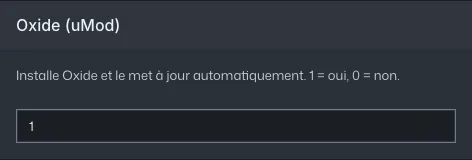
Server Options: the Oxide (uMod) setting at 1 Plugin Installer (server menu): search for the plugin, Install. Or GamePanelToolsMod Manager for the curated selection. Oxide loads them live, no restart needed.
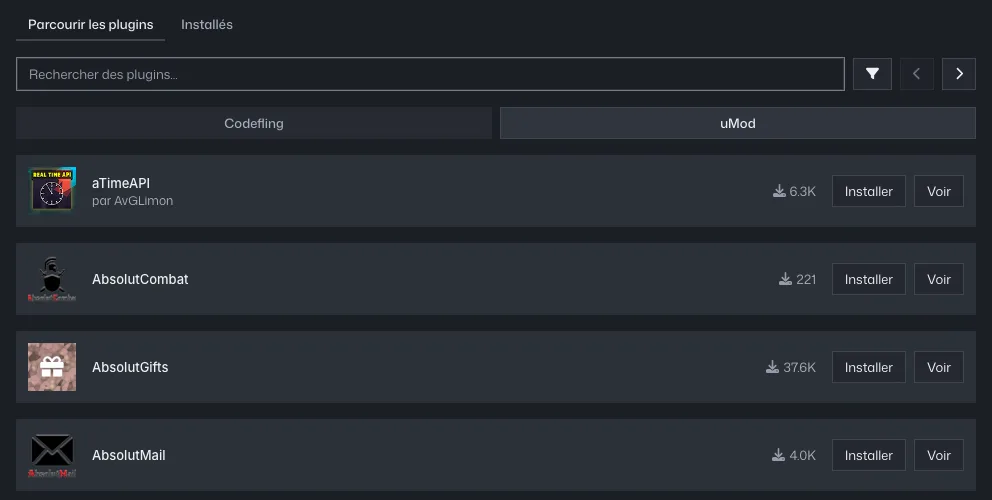
Plugin Installer, uMod tab: Install button for each plugin To configure a plugin: File Manager,
oxide/config/<Plugin>.json, thenoxide.reload <Plugin>in the console.Plugin not found in either: upload its
.csfile tooxide/plugins.
Uninstalling a plugin removes its .cs file but keeps its config and data (oxide/config, oxide/data).