


In game, type /AdminPassword followed by the admin password in chat. This password is created at install and can be found in Server Options.
GamePanelServer Options: note down Admin password.
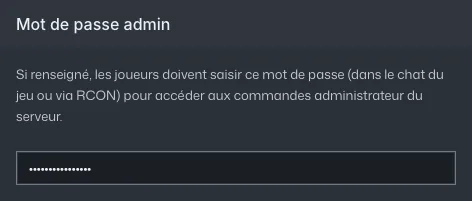
Server Options: the Admin password field (value hidden) In game, open chat and type
/AdminPassword your-password.Admin commands then go through chat.
/ShowPlayerslists players and their ids./KickPlayeror/BanPlayerfollowed by an id kicks or bans them./Savesaves,/Broadcastwrites to everyone.From the GamePanel console, the same commands work without typing a password.
Common errors
- Don't give this password to players: it grants full control over the server.
- The GamePanel rejects an empty admin password or one with spaces: letters, numbers, hyphens and underscores only, 30 characters max. Same rule for Server password.
- In
/Broadcast, spaces cut the message short: replace them with underscores.