


These settings are in the server's PalWorldSettings.ini file. Stop the server, edit the value in the File Manager, save, then start it.
Stop the server in the GamePanel.
File Manager: open
Pal/Saved/Config/LinuxServer/PalWorldSettings.ini.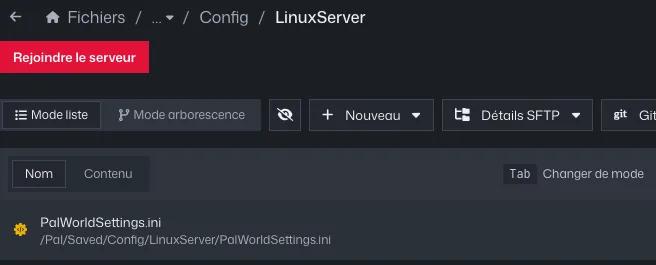
File search: PalWorldSettings.ini in Pal/Saved/Config/LinuxServer Find the setting you want (Ctrl+F) and change its value. Examples:
ExpRate=2.000000doubles experience,bAllowGlobalPalboxExport=TrueandbAllowGlobalPalboxImport=Trueturn on the global Pal box.Save, then start the server.
Common errors
- Everything sits on one long line,
OptionSettings=(...): don't remove any comma or parenthesis, or the server restarts with default values. - The name, passwords and player count are rewritten on every start from Server Options: change them there, not in the file.
- World imported from a solo or co-op game: if it contains a
WorldOption.savfile, its settings take priority over PalWorldSettings.ini. Rename it (server stopped) so your settings apply. - Reinstalling the server puts a fresh file back: the old one is kept alongside it, renamed with the date.