


Upload the resource's folder into resources (GamePanelFiles or SFTP), then add ensure resource_name to server.cfg.
Unzip the resource on your computer and check it has an
fxmanifest.lua.Upload the folder into
resources(SFTP recommended for large packs).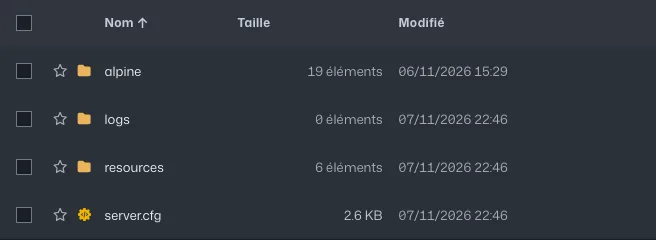
FiveM server files: the resources folder and server.cfg server.cfg: addensure folder_name, then restart.Error on startup: check the console, it's usually a missing dependency.
Common errors
- "Couldn't find resource": the name after
ensuremust match the folder name exactly, capitals included. - Folder nested twice after unzipping (
resources/my-resource/my-resource/):fxmanifest.luamust sit directly in the resource folder.