

You can add a port yourself, no ticket needed: client area, service page, Server IP tab, Server ports section, Request a port button (in the GamePanel, the Ports page takes you there too). The port arrives within a few minutes; 2 secondary ports maximum per server.
Service page, Server IP tab, Server ports, Request a port (one request at a time).
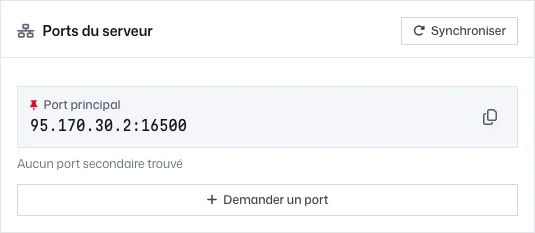
Server IP tab, Server ports block: Request a port and Sync buttons After a few minutes, click Sync: the new port shows up.
Enter this port in the plugin's or mod's configuration (Geyser, Simple Voice Chat, Dynmap), then restart.