

Upload your world folder as a zip archive, extract it and name it world (or change level-name in server.properties to match your folder's name).
Stop the server.
Compress your world folder into a
.zipon your computer.GamePanelFiles: upload the zip, then extract it.
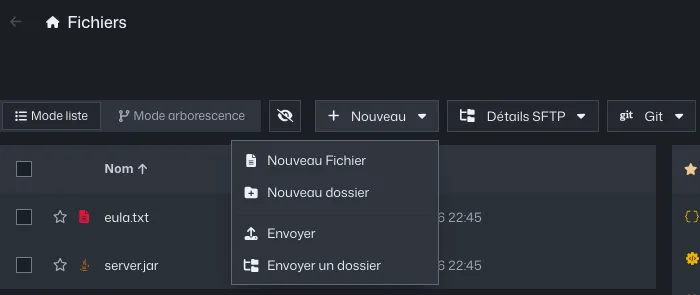
GamePanel file manager, New menu open on Upload Delete or rename the old
worldfolder, then rename your world toworld.Start the server. A modded world needs the same mods and the same version as where it was created.
Common errors
- A brand new world is created instead of yours:
level.datmust sit directly in theworldfolder, not in a subfolder (world/MyWorld/level.dat). - Bedrock world: it does not open on a Java server, or the other way round, without conversion.
On your computer, a single-player world is in the .minecraft/saves folder, under the name you gave it.