

The GamePanel has a modpack manager: search for the pack, choose the version, install. If the pack isn't listed there, install its "Server Pack" manually, via SFTP or by uploading files in the GamePanel.
Check the recommended RAM: a large modpack (All The Mods, Cobblemon, etc.) often needs 12 GB or more.
Download your files (or back up with the paid Backups option), then open the GamePanel's modpack manager and install the pack.
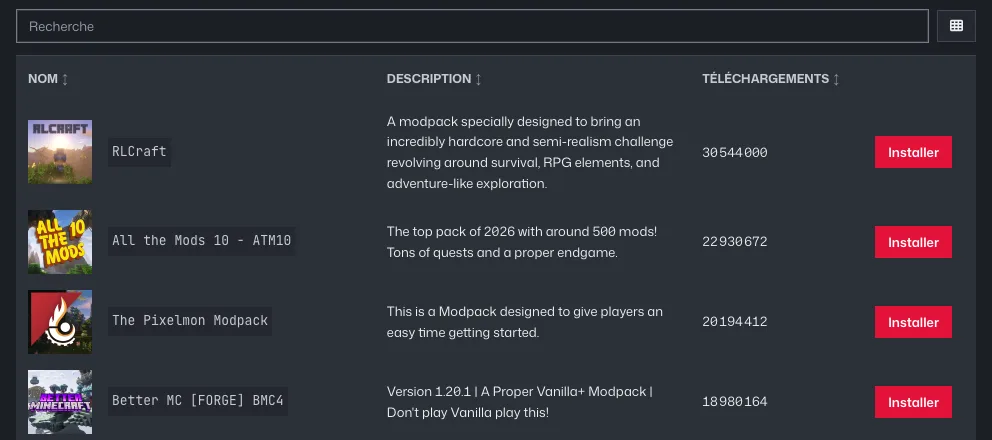
GamePanel Modpack Manager: search and an Install button for each modpack Pack not in the manager: download the Server Pack (Files tab on CurseForge or Modrinth, never the client pack).
With the server stopped, upload the archive (Files, New, Upload, then extract it) or its contents via SFTP, and follow the pack's README for the startup jar.
To keep an existing world: import its folder under the name
worldafter a clean first install.