

The cause is almost always written in the GamePanel console: an incompatible mod or plugin, a Minecraft version that doesn't match your mods, not enough memory, or an unaccepted eula.txt file.
GamePanelConsole: start the server and read the last red lines.
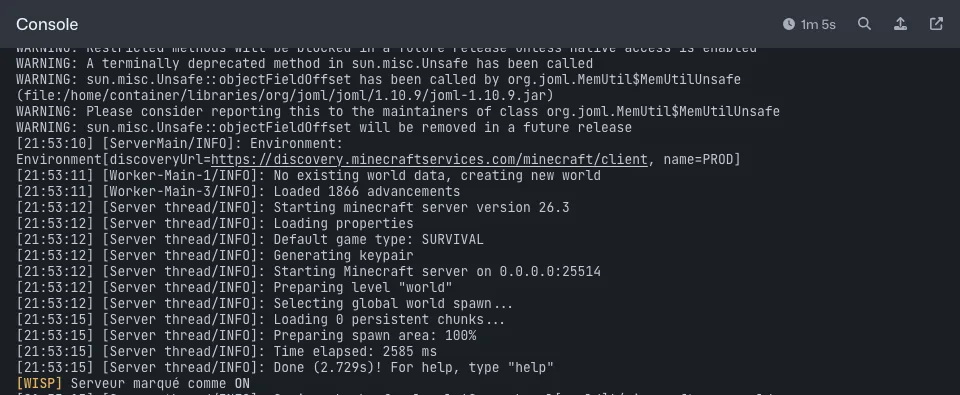
GamePanel console: every startup line is shown, the cause of a crash is in the last ones If a mod or plugin is named, remove it from the
modsorpluginsfolder and restart."OutOfMemory" message: the server is short on RAM, lighten it or move to a higher plan.
After a failed update: restore the latest backup.
Still stuck: open a ticket with the last 30 lines of the console.