

Plugins only work on Paper, Purpur or Spigot (not on Vanilla, Fabric or Forge). The easiest way: GamePanelToolsPlugin Manager, search for the plugin by name and click Install (in one click). Otherwise, drop its .jar file into the plugins folder. Then restart.
Check that your server runs Paper, Purpur or Spigot.
GamePanelToolsPlugin Manager: search for the plugin by name, then Install.
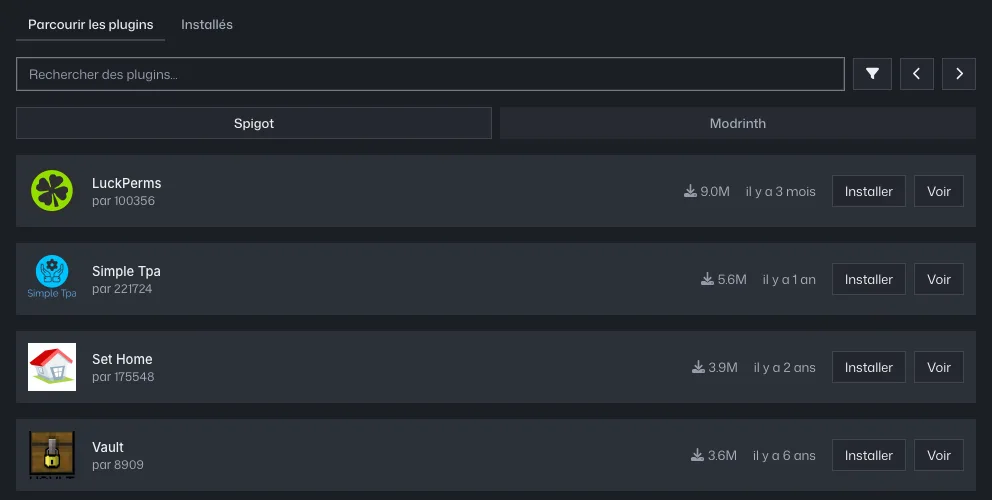
Plugin Manager: Spigot and Modrinth tabs, Install button for each plugin Plugin not in the Plugin Manager: download the version matching your server (Modrinth, Hangar, SpigotMC).
GamePanelFilesplugins: upload the
.jar.Restart the server and check the console: the plugin should appear while loading.